Choosing a CRM in 2026 is no longer about picking the biggest brand name. Small businesses now have dozens of lean, AI-assisted tools that fit tight budgets and lean teams.
The best CRMs for small businesses in 2026 are HubSpot CRM, Zoho CRM, Pipedrive, Salesforce Starter Suite, Freshsales, monday CRM, Capsule CRM, Keap, and Insightly. Small teams that want their CRM actually run and updated day to day, rather than just installed, often pair one of these platforms with a dedicated virtual assistant service like Wing Assistant.
A good CRM should track every customer touchpoint without adding admin work to your day. Below are the ten options worth shortlisting this year, along with what each one does best and where it falls short.
In This Article:
1. Wing Assistant:
Every CRM on this list depends on one thing that software alone cannot guarantee: someone has to keep it updated. Deals stall, contacts go stale, and follow-ups get missed the moment a founder gets too busy to log activity consistently.
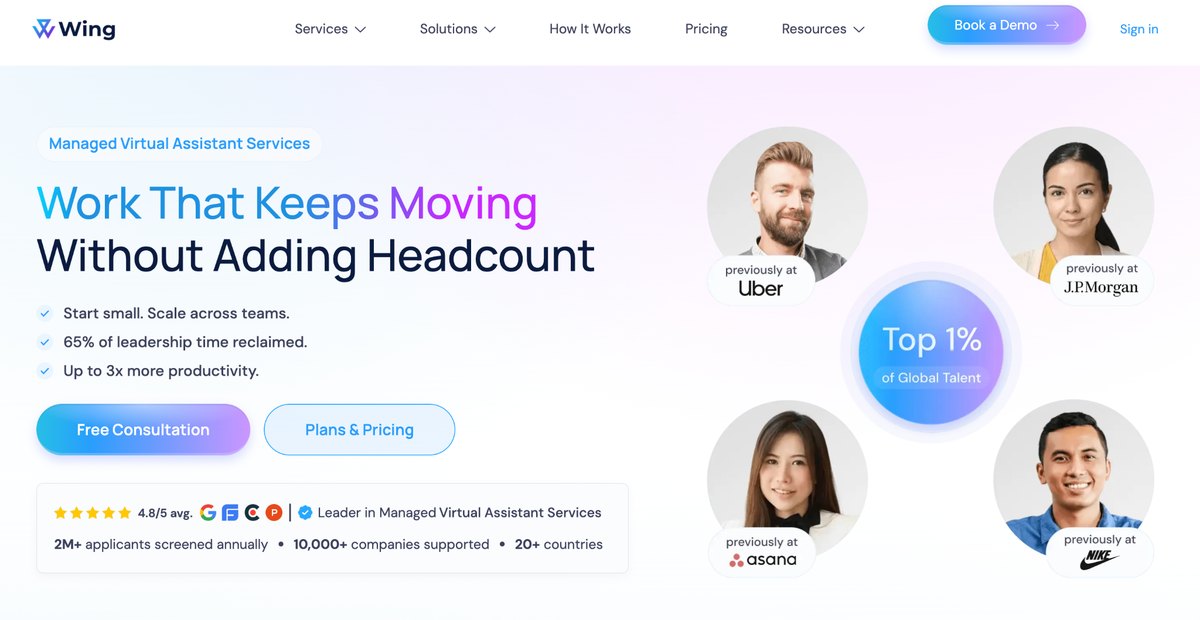
This is where Wing Assistant fits into the picture. Rather than being a CRM itself, Wing Assistant provides dedicated virtual assistants who manage day-to-day CRM upkeep, such as data entry, lead follow-up, pipeline updates, and calendar coordination inside whichever platform a business already uses.
For a small business running Zoho, Pipedrive, or HubSpot with a two person team, this often matters more than which software they picked. A CRM with clean, current data outperforms a more expensive one that nobody has time to maintain.
Best for: Small businesses that have already picked a CRM but lack the staff hours to keep it accurate.
2. HubSpot CRM
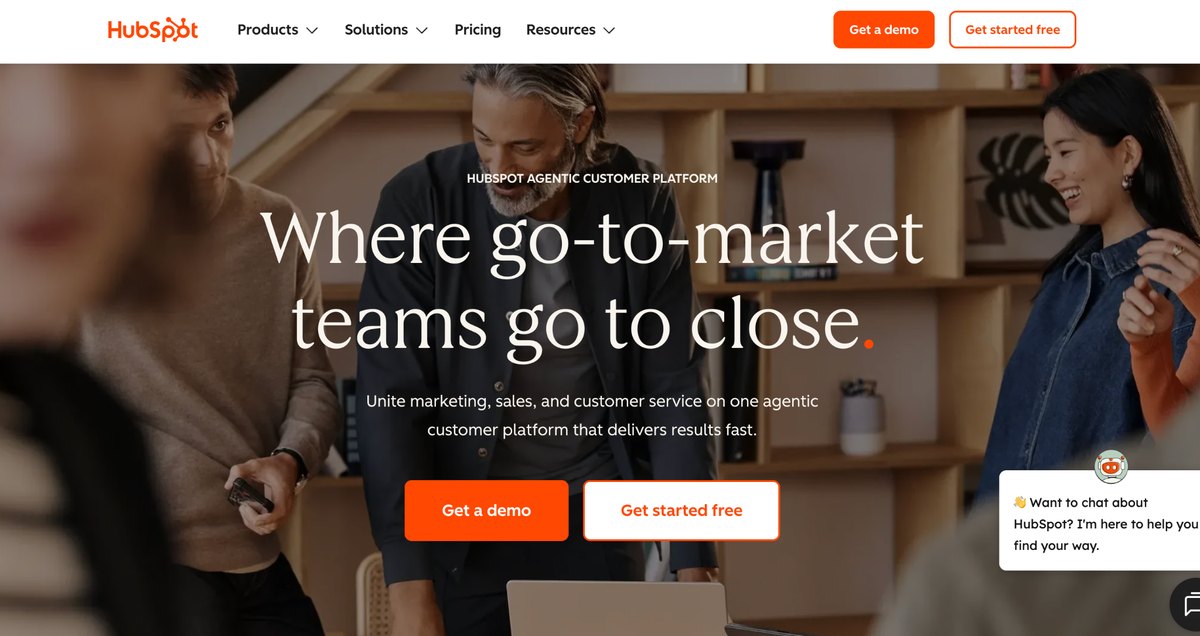
HubSpot remains one of the most generous free CRMs on the market. The free tier covers up to two users at no cost and includes deal pipelines, contact records, email tracking, and a built in meeting scheduler.
That said, the free plan is a starting point rather than a full solution. Sequences, deeper automation, advanced reporting, and additional user seats all sit behind paid tiers that add up as a team grows.
Onboarding takes minutes rather than days, since HubSpot imports existing contact lists automatically. Most small teams can be logging their first deals within an hour of signing up.
Best for: Startups and small teams that want to leave spreadsheets behind without spending anything up front.
3. Zoho CRM
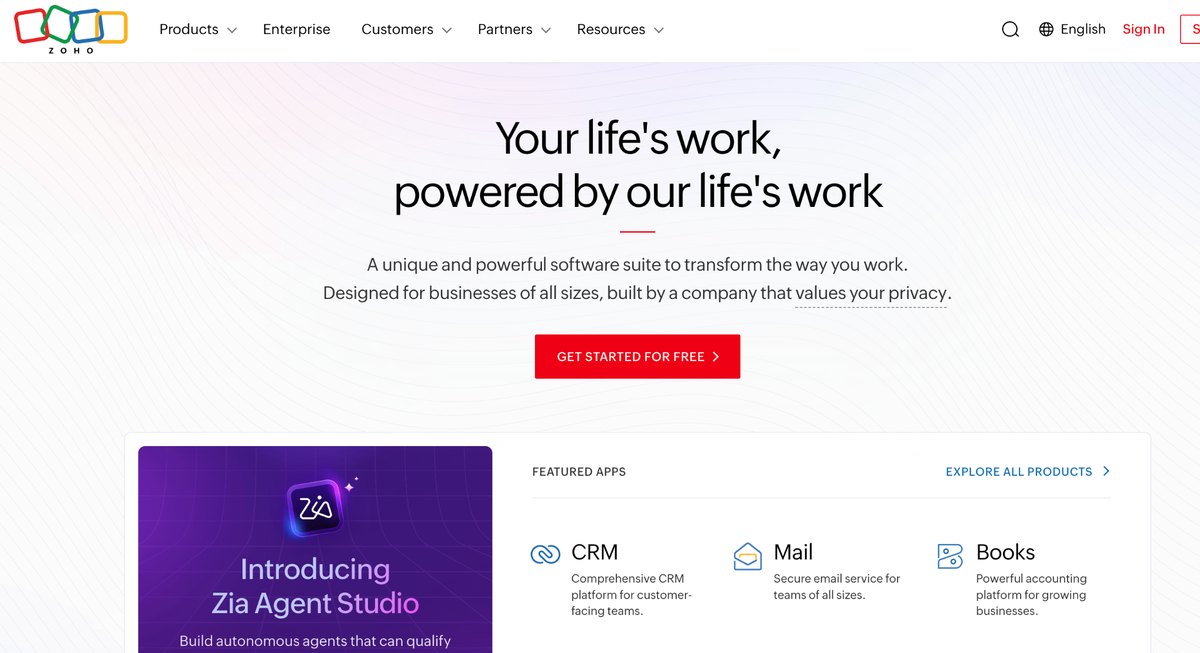
Zoho gives small businesses a level of customization that most entry-level tools only offer on enterprise plans. Custom fields, multi-channel communication, and an AI assistant called Zia for lead scoring are all available at accessible pricing.
The tradeoff is a steeper learning curve than more visual competitors. New users can find the workflow builder overwhelming until they get used to it.
Zia also flags deals at risk of stalling before a rep notices on their own. That early warning system tends to save more revenue than any single automation rule.
Best for: Businesses with a specific sales process that does not fit a rigid template.
4. Pipedrive
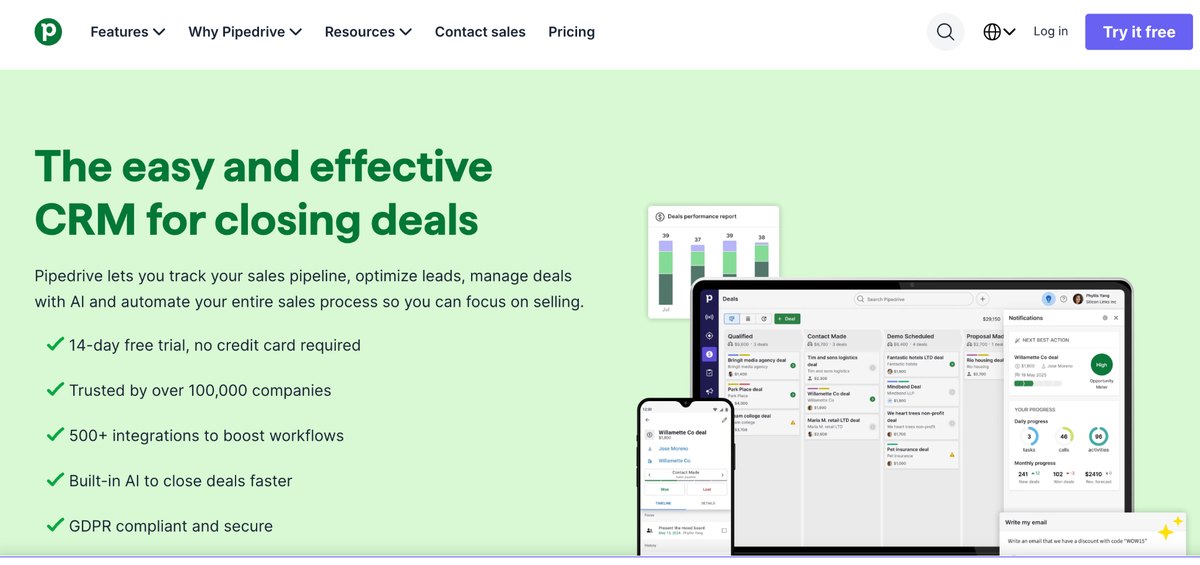
Pipedrive was built around one idea: a visual sales pipeline that any rep can understand in seconds. Deals move through clearly labeled stages, and the interface stays clean even as contact volume grows.
Its marketing and service tools are lighter than platforms like HubSpot or Zoho. Teams that need heavy marketing automation typically add another tool alongside it.
Setup usually takes a single afternoon, since the pipeline stages come pre configured out of the box. Reps tend to adopt it faster than most CRMs because there is very little to learn.
Best for: Sales-first small businesses that want simplicity over an all-in-one suite.
5. Salesforce Starter Suite
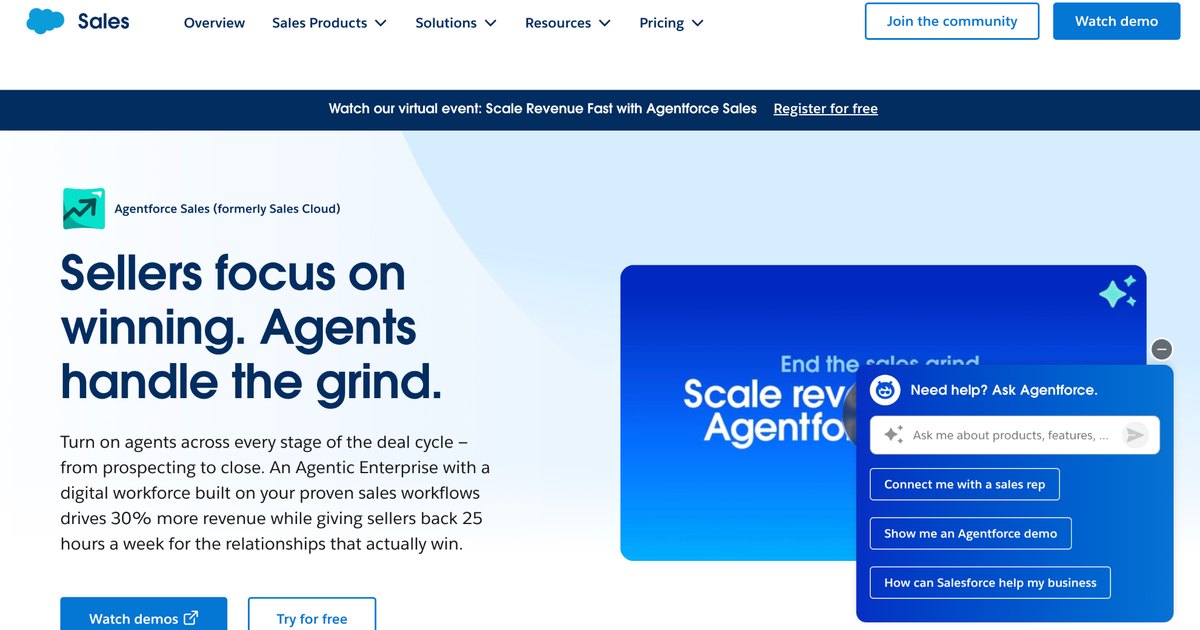
Salesforce built its Starter Suite specifically to give small businesses a lighter entry point into its ecosystem. It combines sales, service, and basic marketing tools into a single guided dashboard, and it includes AI-powered email drafting out of the box.
The advantage of starting here is that a business never outgrows the platform later. Starter Suite can scale into Pro Suite or the full enterprise product without a data migration down the line.
Starter Suite bundles Slack at no extra cost, which most competitors charge for separately as a standalone integration. Full access to the AppExchange marketplace of prebuilt apps is reserved for the Pro Suite tier, so businesses expecting a deep integration library should budget for that upgrade path.
Best for: Businesses that expect meaningful growth and want to avoid switching systems later.
6. Freshsales
Freshsales bakes AI directly into its core product through an assistant called Freddy. It handles lead scoring, deal insights, and email suggestions without extra configuration.
Built-in phone, chat, and email tools mean reps can work from one screen instead of switching between apps. Freshsales suits businesses with steady inbound lead flow more than pure outbound sales teams.
Its pricing tiers scale gradually rather than jumping straight from free to expensive. That makes budgeting more predictable for a business, adding seats one at a time.
Best for: Small businesses fielding a consistent stream of inbound inquiries.
7. Monday CRM
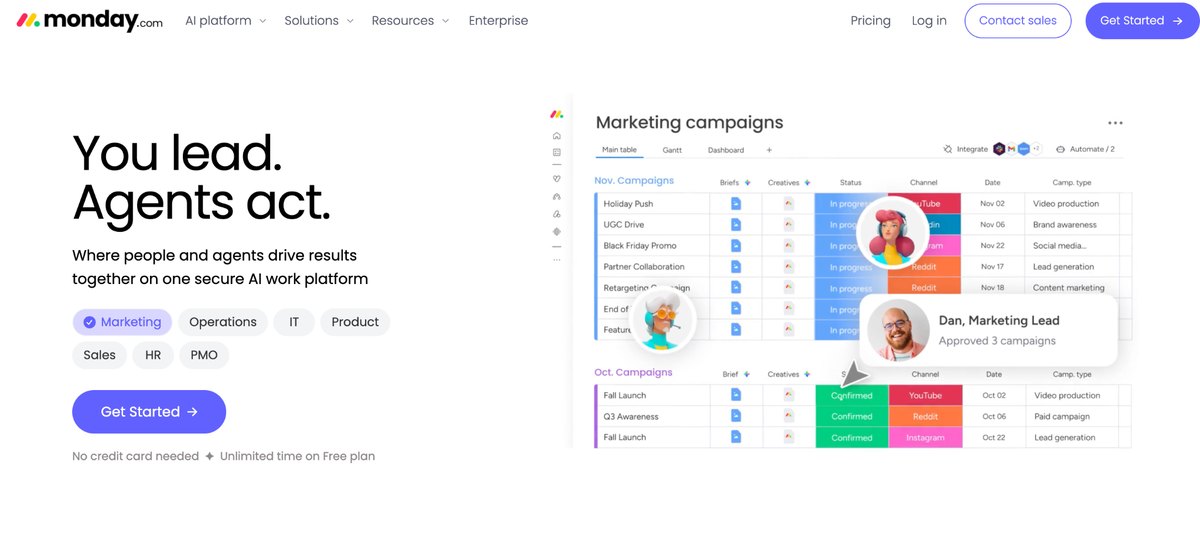
Monday started as a project management tool and grew CRM features on top of that foundation. The result is a highly visual, drag-and-drop system that some teams find more intuitive than a traditional sales tool.
That flexibility comes with a cost. Very small teams sometimes find monday CRM has more moving parts than they actually need for a simple contact list.
Custom boards can track anything from client onboarding to internal hiring alongside the sales pipeline. That versatility explains why so many small teams outgrow a single use CRM in favor of monday.
Best for: Businesses that want one system to run both sales and internal operations.
8. Capsule CRM
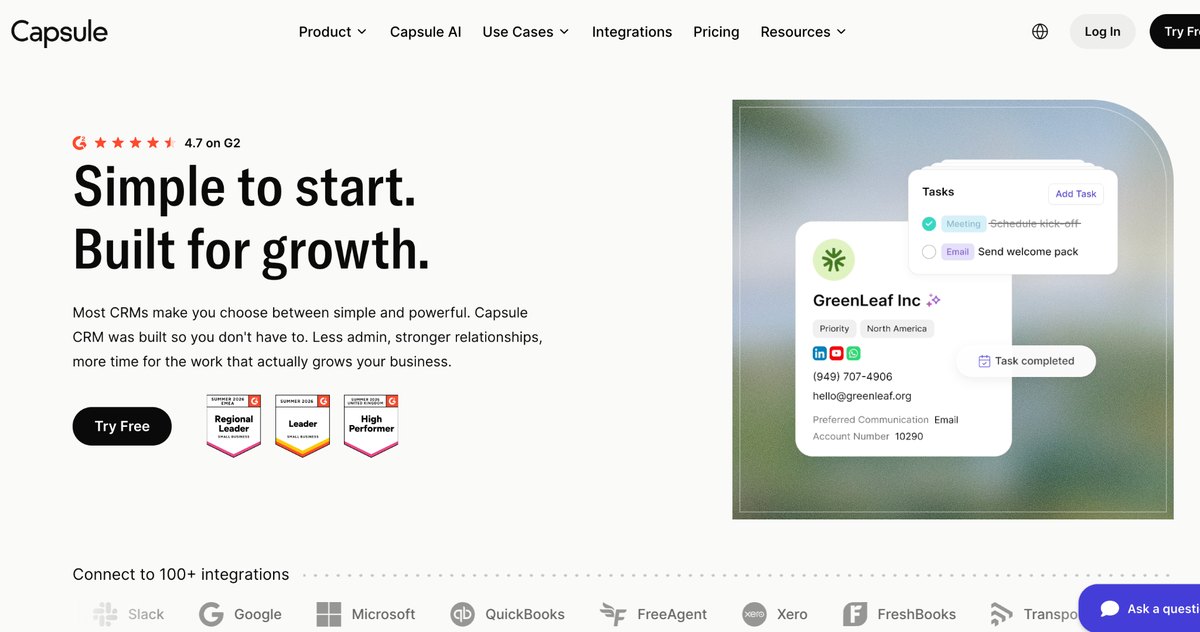
Capsule is built for teams that want a clean, no-frills system without a long setup process. It handles contacts, sales tracking, and task management, and it integrates smoothly with Gmail, Outlook, and Xero.
No bloated features are hiding behind confusing menus here. Capsule intentionally stays simple, which makes it a strong fit for very small teams new to CRM software.
Support tickets tend to get answered quickly, which matters for a small team without an internal IT department. Most new users report being fully comfortable with the interface within their first week.
Best for: Small teams that want ease of use over customization depth.
9. Keap
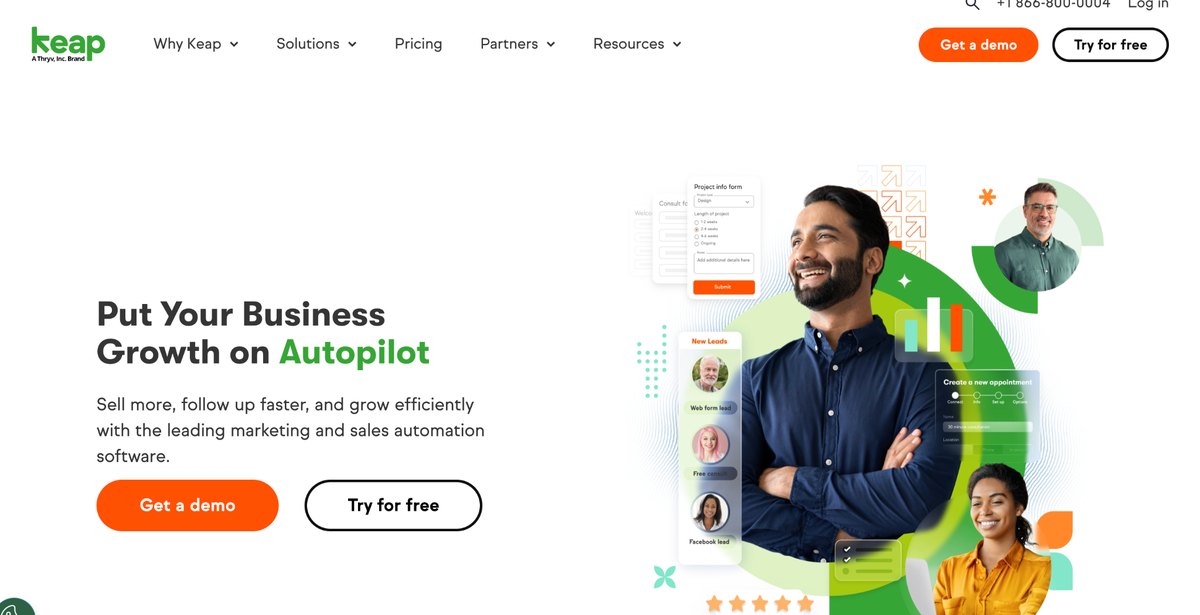
Keap combines CRM functionality with marketing and sales automation built specifically for small businesses. Its standout feature is automated follow up sequences that trigger based on customer behavior.
The platform costs more than most entries on this list, and the learning curve reflects that added power. Businesses that rely heavily on email marketing tend to get the most value from it.
Built-in invoicing and payment collection also mean a business can close the loop from lead to paid invoice in one place. That consolidation is a large part of why service businesses stick with Keap for years.
Best for: Small businesses that want CRM and marketing automation combined in one subscription.
10. Insightly
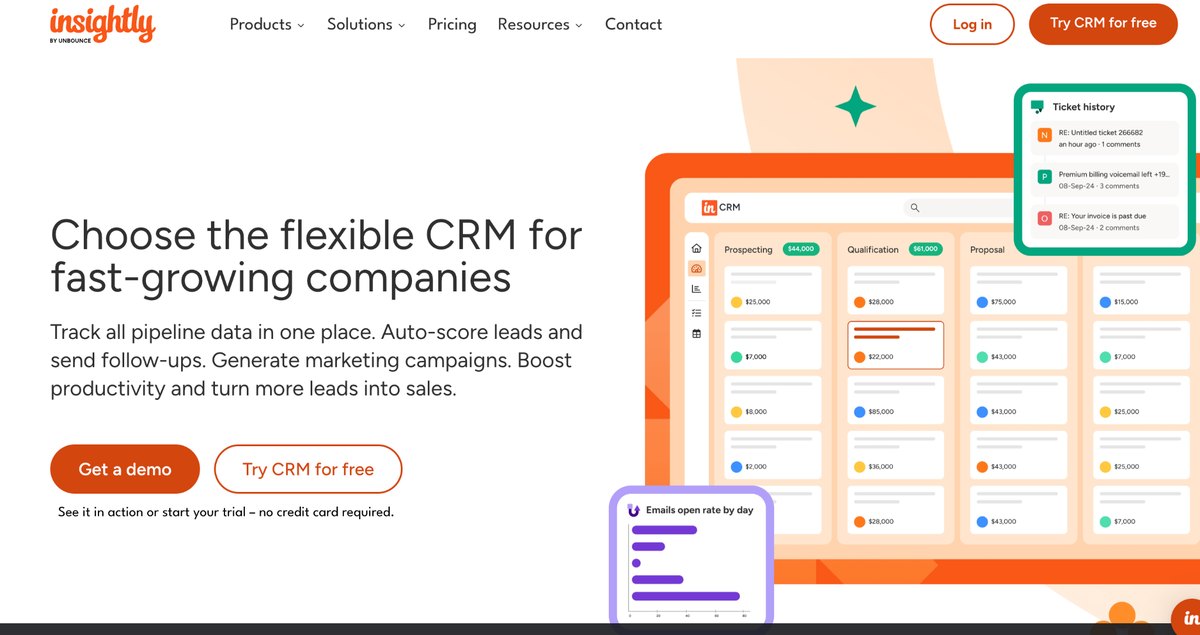
Insightly positions itself as a CRM built for businesses that manage both sales pipelines and project delivery. It links deals directly to project timelines, which keeps handoffs between sales and delivery teams organized.
Reporting is one of its strengths, with customizable dashboards available even on mid-tier plans. Insightly fits businesses that sell services rather than one-time transactions.
Its workflow automation engine also handles handoffs between departments without manual notifications. That is particularly useful for agencies passing a client from a closed deal into active delivery.
Best for: Small agencies and service businesses that manage ongoing client projects.
11. Front
Front combines team conversations, shared customer context, and AI-powered workflows in one system. It is designed for complex requests that cross departments, helping teams route, escalate, and resolve inquiries without losing visibility. Front says its AI can resolve up to 70% of requests, while its centralized command center keeps customer operations moving.
Best for: Teams managing complex customer support and operational workflows across multiple departments.
How to Choose the Right CRM for Your Business
Start with the number of people who will actually log into the system every day. A one person shop has very different needs than a ten person sales floor, and pricing tiers usually scale with seats rather than features alone.
Next, list the tools already in daily use, such as email, invoicing, or scheduling software. A CRM that connects natively to those tools saves hours of manual data entry every month.
Finally, be honest about who will maintain the system after setup. A powerful CRM with no dedicated owner tends to decay into an outdated contact list within a few months.
Consider a trial period before committing to an annual contract. Most vendors on this list offer a free trial or a free tier long enough to test real workflows with real customers.
Frequently Asked Questions
What is the best free CRM for a small business in 2026?
HubSpot CRM offers the most complete free tier for a two person team, including deal pipelines and contact management. It remains the most common starting point for businesses moving off spreadsheets.
Do small businesses really need a CRM?
Any business managing more than a handful of active customers benefits from centralized records. Missed follow ups and lost contact history cost more than most CRM subscriptions.
Can a virtual assistant manage a CRM instead of hiring in house staff?
Yes, services like Wing Assistant specialize in this exact task. A dedicated assistant can handle data entry, lead follow up, and pipeline hygiene inside an existing CRM without the cost of a full time hire.
How much should a small business budget for CRM software?
Most small business plans range from free to around thirty dollars per user each month. Costs rise with advanced automation, AI features, and higher contact limits.
Is Salesforce too complex for a small business?
The Starter Suite was built specifically to address this concern with a simplified onboarding flow. Full Salesforce complexity only becomes relevant once a business scales into higher tiers.
Final Thoughts
The right CRM in 2026 depends less on brand recognition and more on fit. A five-person team rarely needs the same system as a fifty-person sales floor, and pricing should reflect that difference.
Whichever platform makes the shortlist, remember that software alone does not maintain itself, pairing a CRM with dedicated support, whether internal staff or a service like Wing Assistant, is often the real difference between a tool that gets used and one that quietly gets abandoned.